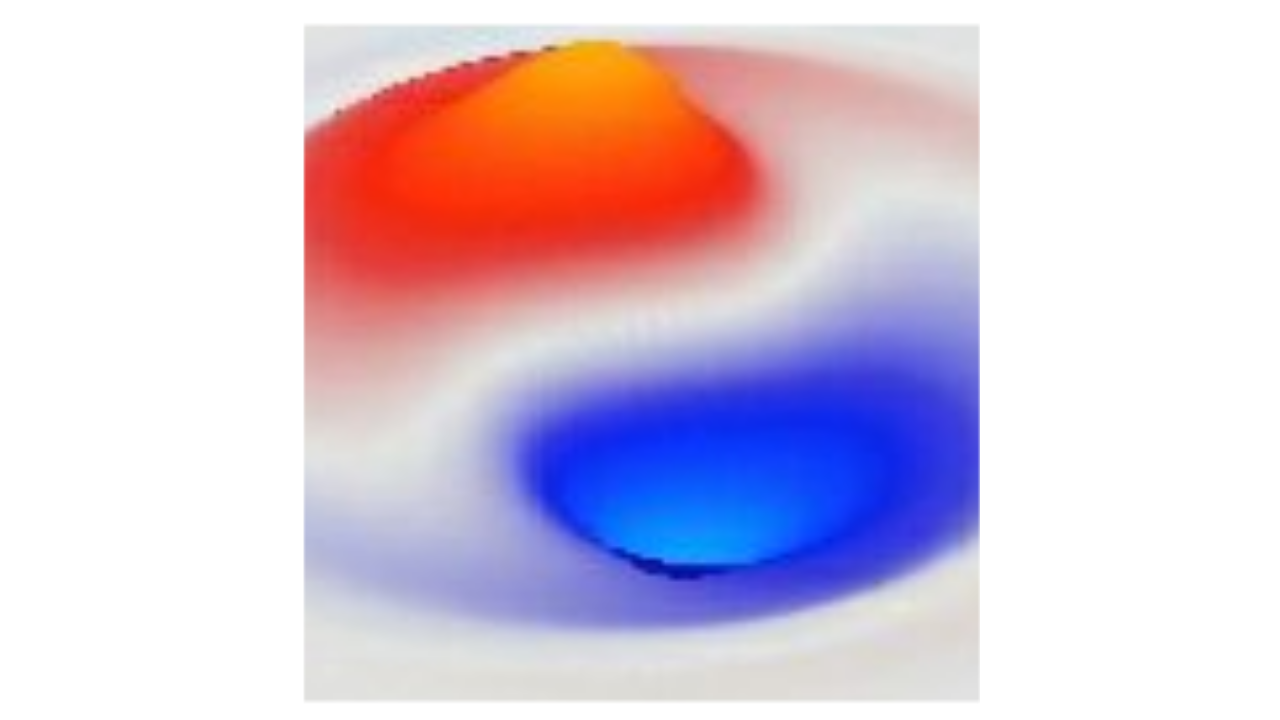
Wave 3D Simulation
From units
Config • ViewInterval
Config • Wavelength
Config • PacketWidth
Config • PacketSlab
Config • Amplitude
Config • OscillatorPeriod
Params • Edges
Fixed
Wrap
Damp
Params • Energy
Params • C
Params • VPotential
Params • Diffusion
Units
Units
GUI
GUI
Update
Panel:
Plane
ZeroCtr
Current
Counters:
Move:
Rot:
Pan:
Save:
Open CSV
Filter
Unfilter
This simulation runs the 3D version of the wave equation. See wave simulation for the 1D version which has all the introductory overview for the simulator.
The key point here is to see that the 3D discrete Laplacian operator produces perfectly isotropic and smooth waves in three dimensions. Due to technical issues with this Laplacian operator (i.e., its spectral radius), the speed-of-light must be set slower, so it is at the default of 0.25 used for most of the other simulations.
The 3D version of the display shows a single slice through the 3D state, in the X (horizontal) by Z (depth) plane, at a given Y axis slice level. You can use the arrow buttons in the bottom view toolbar to move around in the space (up and down the Y axis), and, if you have zoomed in, you can also move the X axis position back and forth.
You can just explore all of the same sim_wave3d:Config options that you looked at in the 1D version. The Oscillator case in particular is a bit more interesting looking here (and doesn’t require any different parameters).
The PacketSlab option in Config determines whether the wave packets are generated as an entire consistent “slab” across the Z (depth) axis, or whether that axis also has a Gaussian envelope applied, as the X axis does. This Gaussian envelope will allow you to observe the spreading of the wave over time, while the slab case only exhibits dispersion in the X axis.
For the SymmetricPacket case showing superposition, this is best with PacketSlab = true, and occurs at Step 271 with the default C = 0.25 and 64 cube size.
Complex waves
You can also explore the complex waves cases by setting the Equation to Wave C dir or Weyl.